
All guides
Customer help center
Step-by-step answers for operating Punto Ágil. Search for what you need or browse by task.
These guides are in Spanish. They follow the product videos, which are not dubbed.
All of Punto Ágil in one continuous row
Sixteen product explainers and walkthroughs, with no tabs or categories hiding content. Start with “What Punto Ágil is” or swipe to the task you want to see.
 0:42Meet the product
What Punto Ágil is
A narrated illustrated journey through your menu photo, orders, kitchen, payments, and daily control.
 0:45Meet the product
What you really get
Orders that arrive correctly, faster service, a register that balances, and the peace of mind of closing the day knowing what happened.
 1:36Meet the product
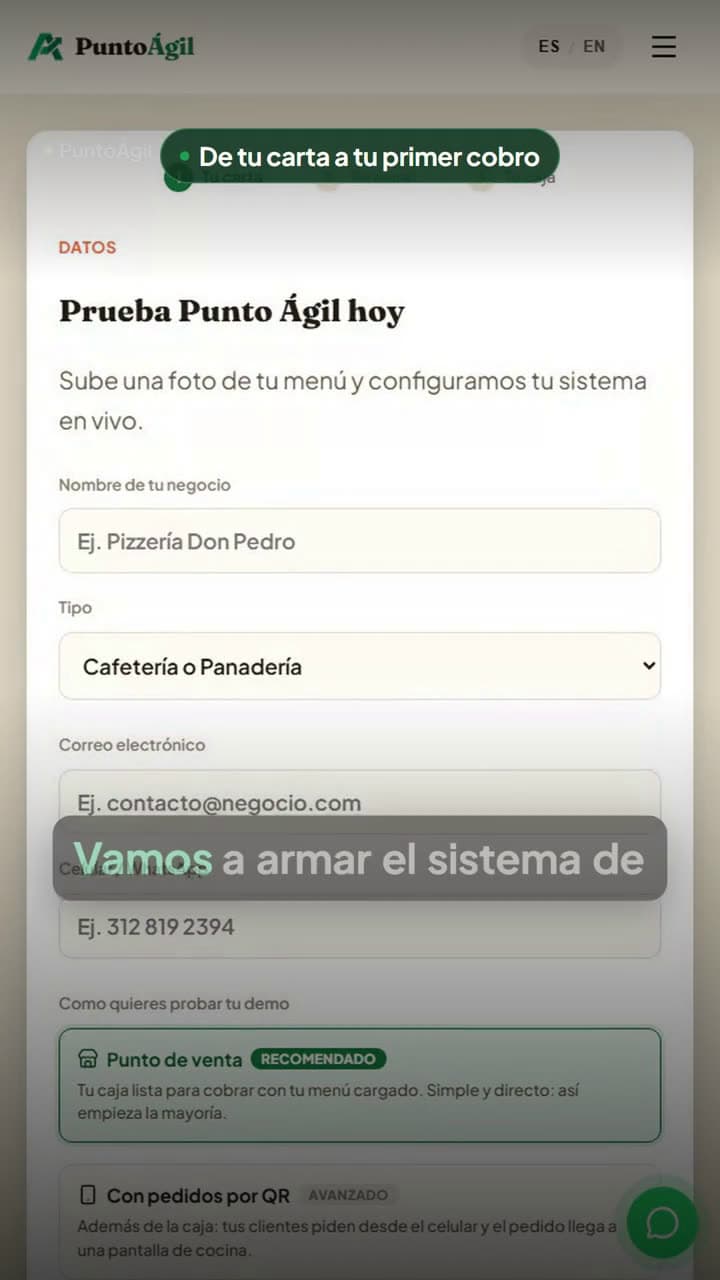
From your menu photo to your first sale
You photograph your menu and in minutes your system is ready to charge, with the menu built automatically.
 0:09Meet the product
Two ways to take an order
Your team enters the order in Punto Ágil, or the customer does it from their phone using the table QR. You choose how to serve them.
 1:22Step-by-step guide
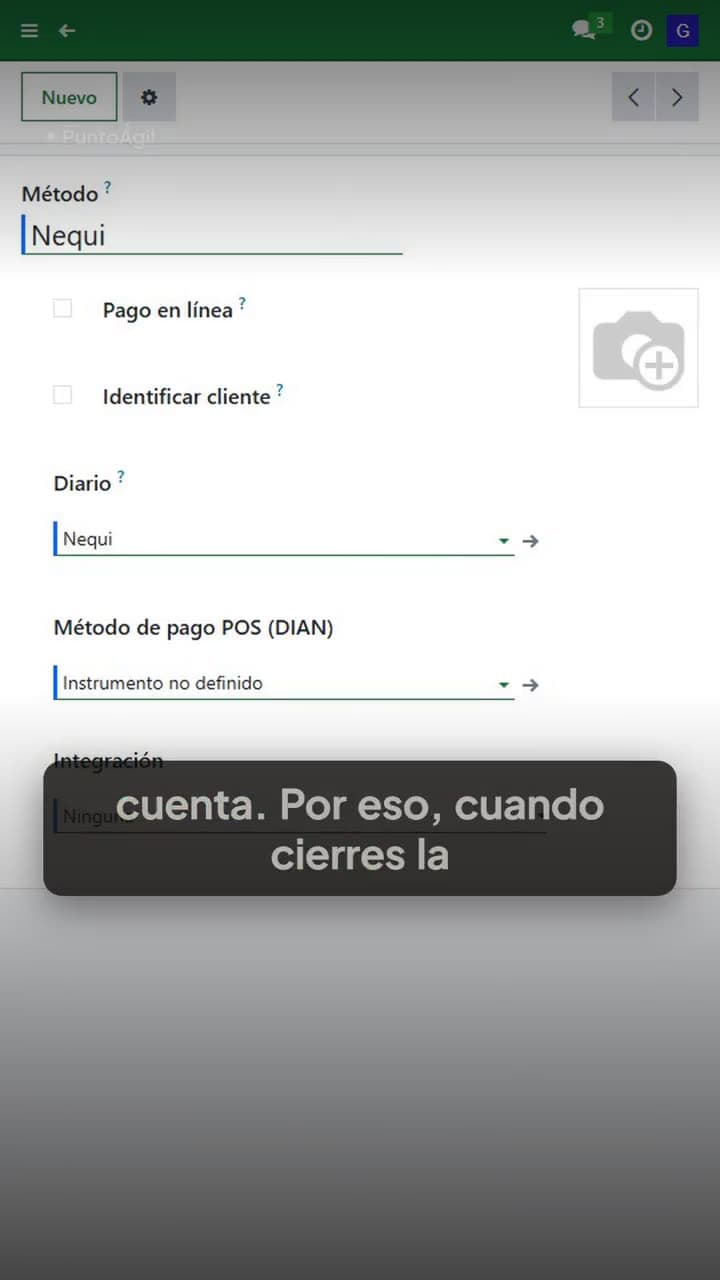
Your first day: payment methods and tables
Why cash, Nequi and card cannot be lumped together, and how to lay out your dining room.
 2:48Step-by-step guide
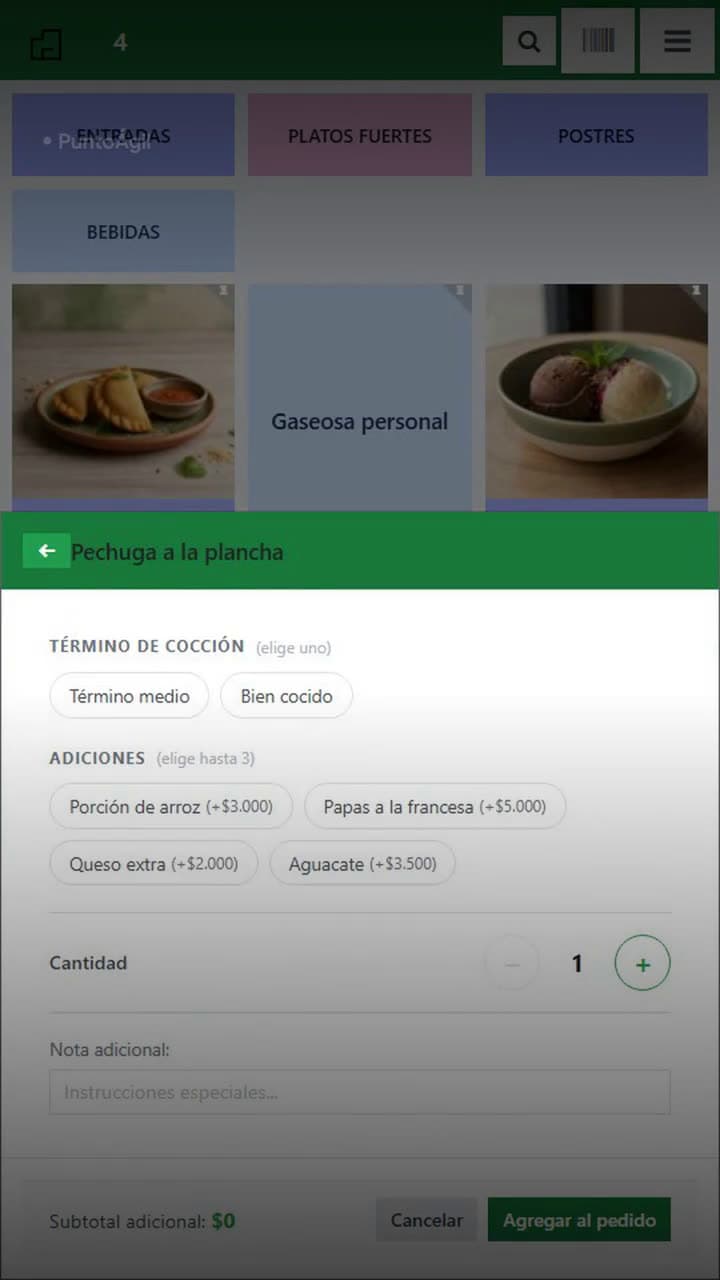
A full service, from the table to closing the register
Order, kitchen ticket, table transfer, payment, and register closeout: a real shift, in the same system.
 1:42Step-by-step guide
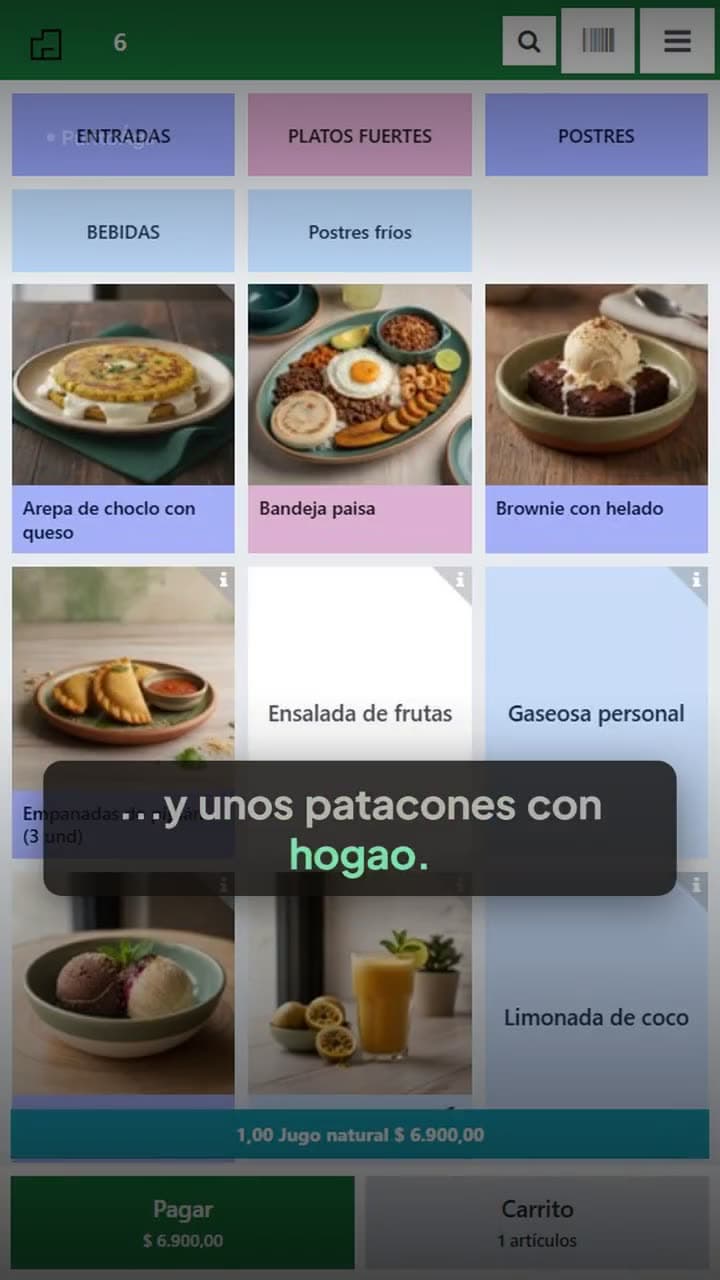
Your customer orders from their phone
Every table has its own code. The customer scans it, builds their order and sends it to the kitchen. Payment still happens at your register.
 1:23Step-by-step guide
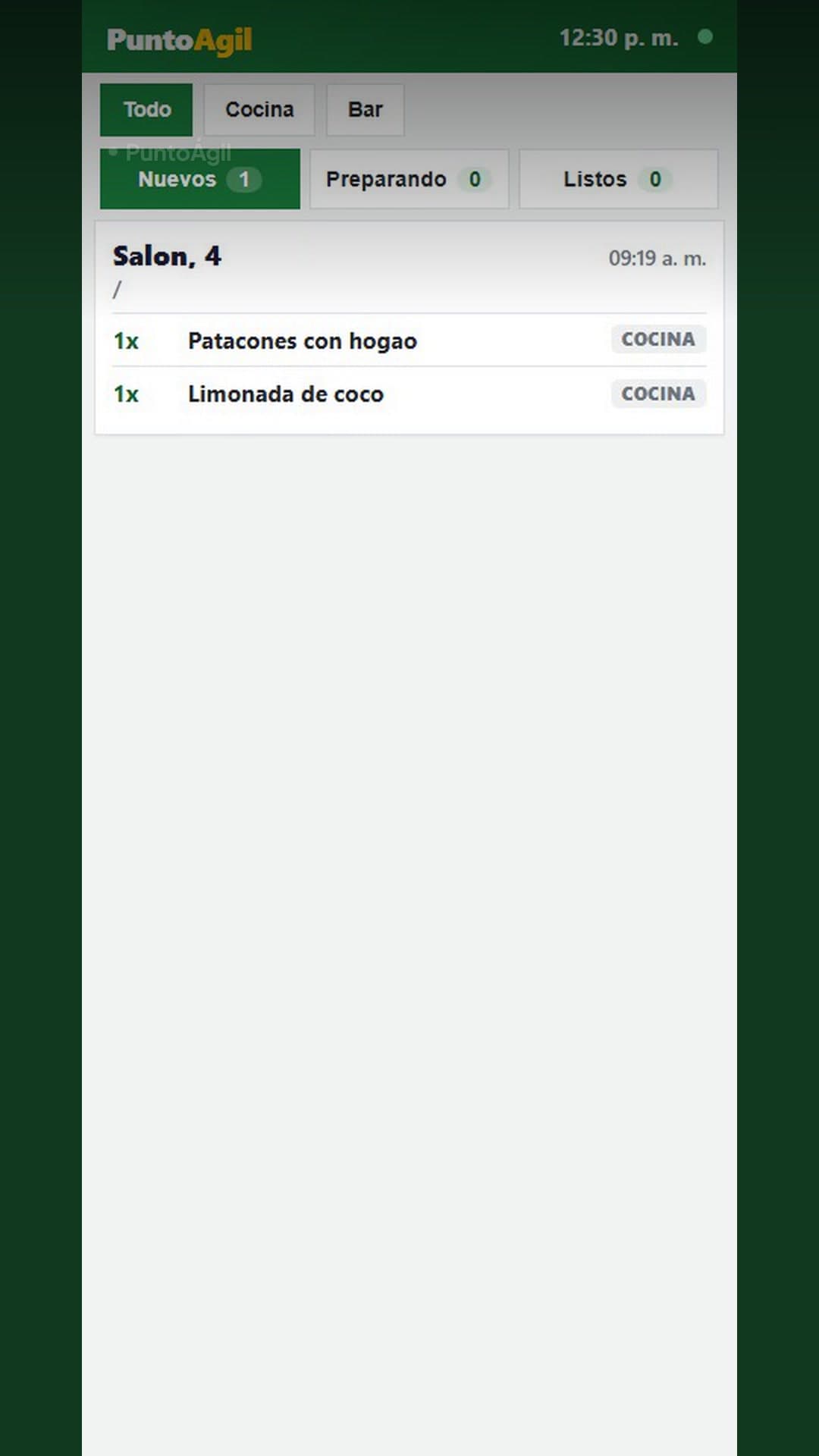
Kitchen tickets grouped by category
Drinks on one side, dishes on the other, so each station preps its own together. And the same ticket is what the customer pays.
 0:37Step-by-step guide
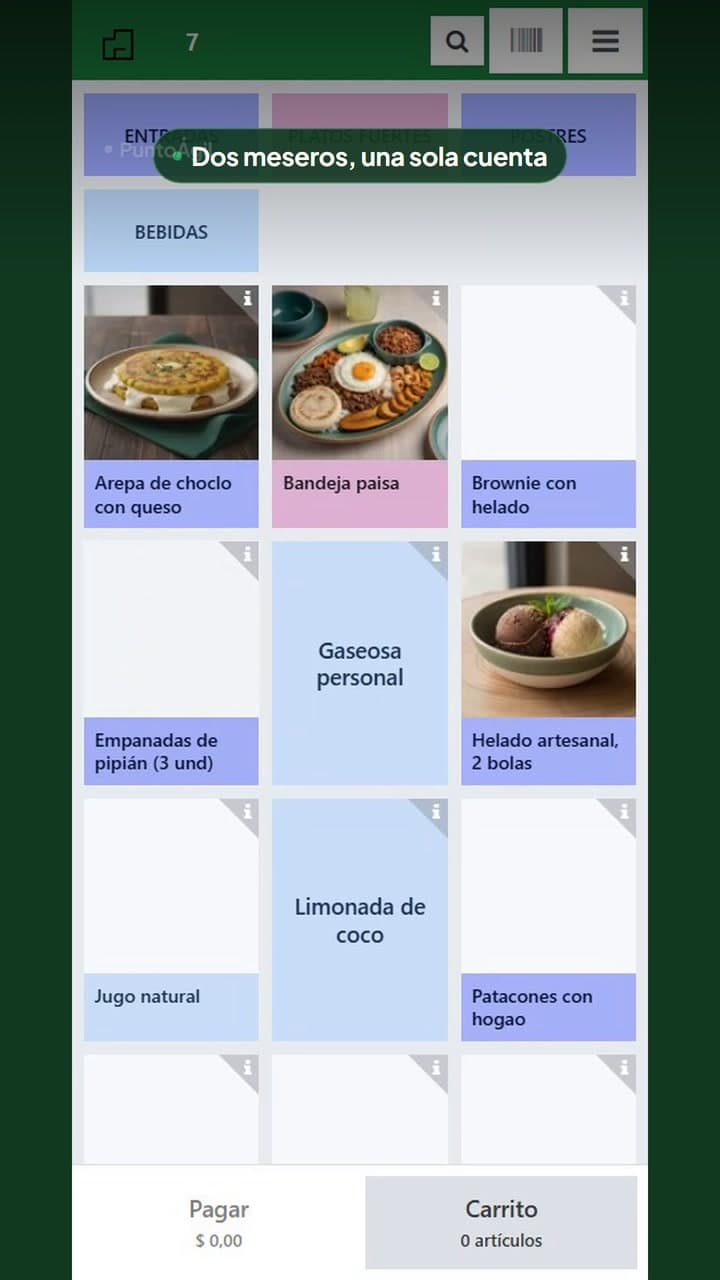
Two servers, one open tab
Ana sends the first round and Luis continues at the same table with his own user, without losing or duplicating the existing order.
 3:59Step-by-step guide
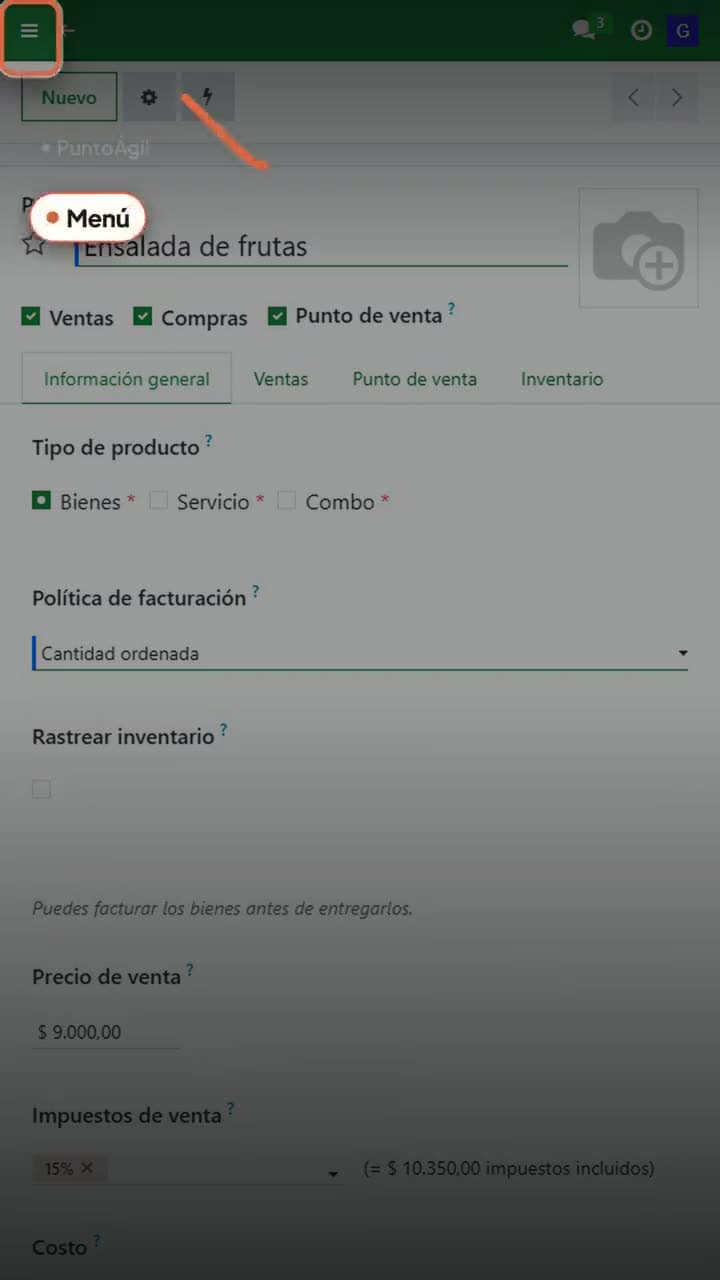
Your menu, without waiting on support
Create a category, add a dish with its sizes and add-ons, change a price, and archive what you no longer sell.
 0:24Step-by-step guide
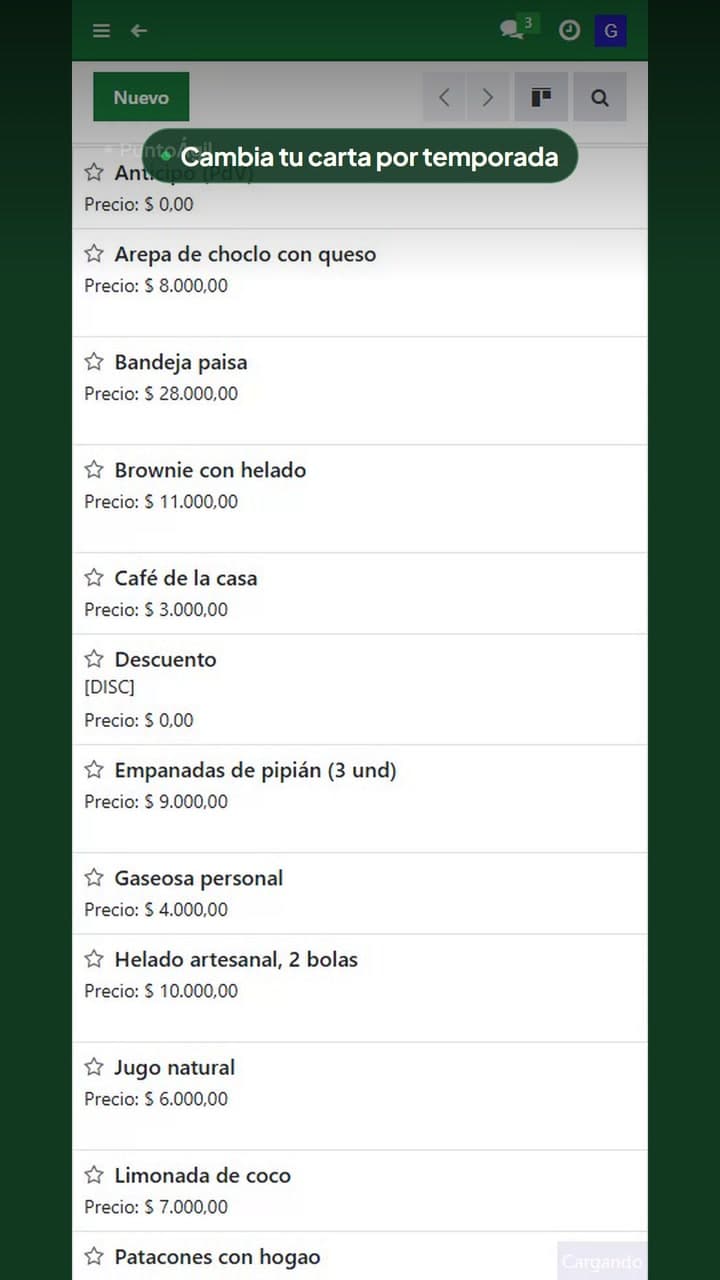
Change your seasonal menu
Temporarily archive an unavailable item and bring it back later without deleting or recreating it.
 2:35Step-by-step guide
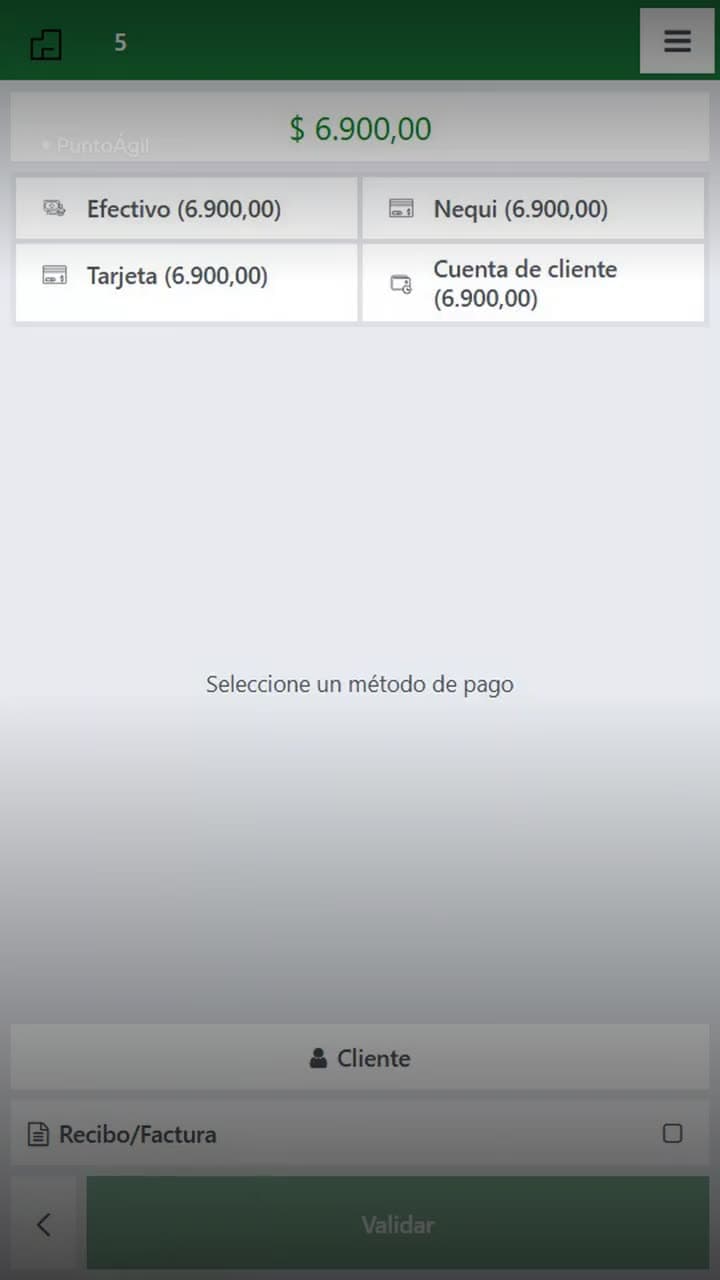
Open and close your register (and know if it balanced)
The float you open with, the count you close with, and the gap between them. Cash and Nequi are reconciled separately.
 0:44Meet the product
The register balances, but there is no cash
A balanced shift does not mean the business made money. Review the full period to understand sales, expenses and what was actually left.
 0:56Step-by-step guide
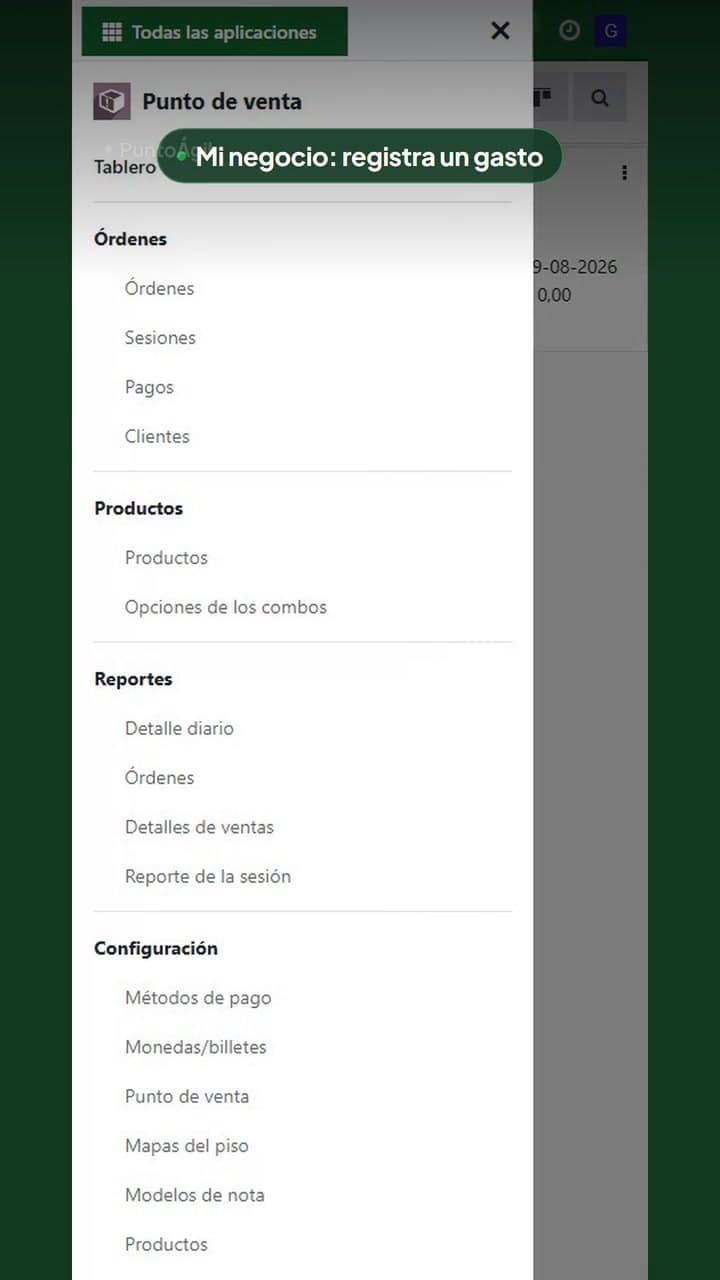
My business: where to log an expense
See what My business is, how to open it from the menu, and where to log a payment or expense without accounting jargon.
 1:22Step-by-step guide
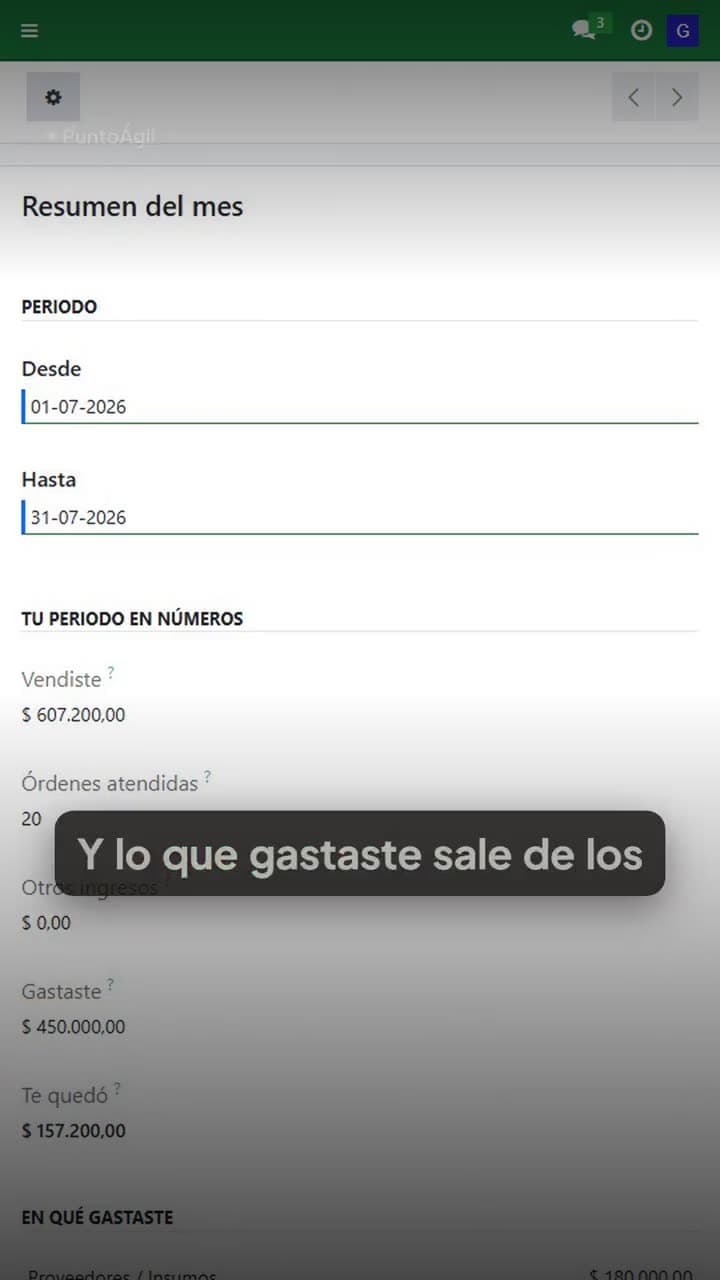
How much you sold and how much you kept
A month, a week, or a single weekend. Sales, expenses and result, with the detail of what came in and out per wallet.
 0:37Step-by-step guide
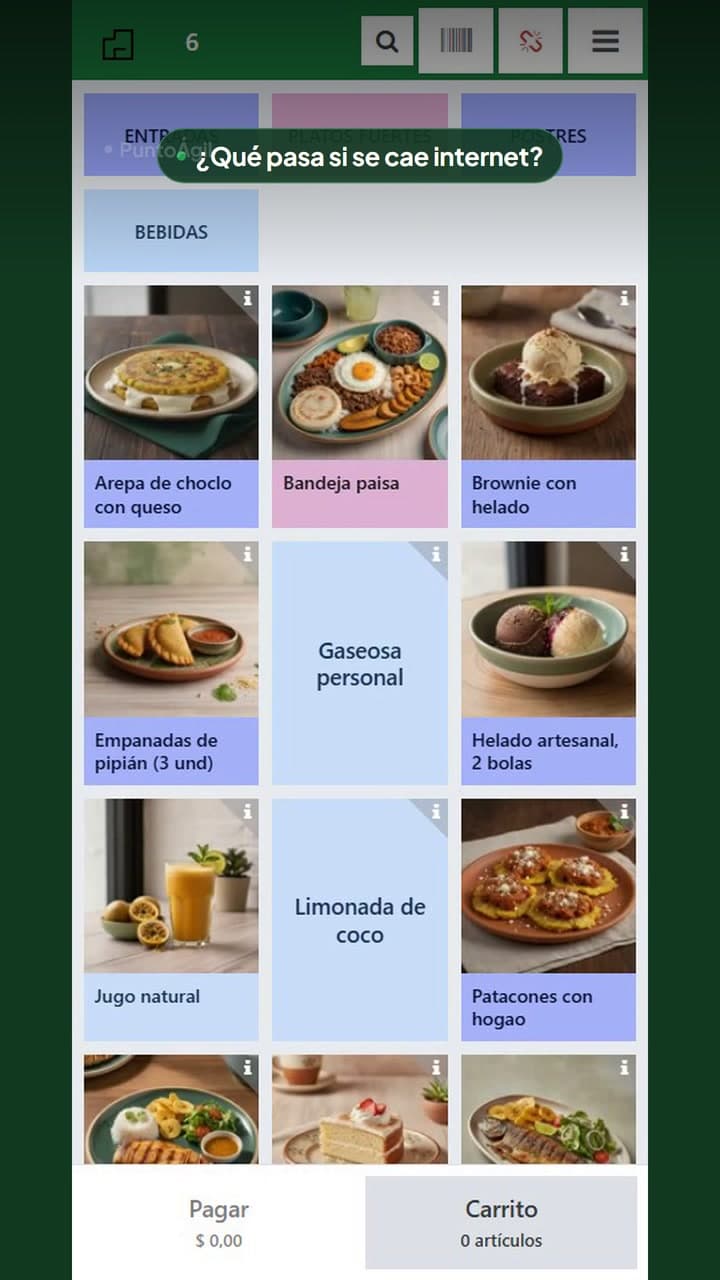
What happens if the internet goes down?
The POS warns you and keeps the order on the table. When the connection returns, review the tab and confirm with the kitchen before continuing.
Swipe through all 16 videos. Each card opens the full video with Spanish captions and a transcript.
Primeros pasos
Dejar listas las formas de cobro y el salón.
- ¿Cómo dejo separadas las formas de cobro?Configura efectivo, Nequi, tarjeta y crédito como métodos distintos. Así cada venta queda en la billetera correcta y el cierre te muestra cuánto entró por cada una, sin mezclarlo todo como “ventas”.
- ¿Cómo agrego una mesa al plano del salón?Entra a Mapas del piso, abre tu salón y agrega la mesa con su número y cantidad de puestos. Al guardar, el mesero la ve en el plano y puede usarla como una cuenta abierta.
Atender una mesa
Del pedido a la cuenta cobrada.
- ¿Cómo llega la comanda agrupada a cocina?La comanda separa bebidas, platos y las demás categorías para que cada estación encuentre junto lo que le corresponde. Con Print Bridge conectado sale directo a la impresora; el recibo conserva el mismo orden al cobrar.
- ¿Pueden dos meseros atender la misma mesa?Sí. El segundo mesero entra con su propio usuario, abre la misma mesa y continúa la cuenta que ya estaba abierta. Puede agregar otra ronda sin perder ni volver a mandar lo anterior.
- ¿Cómo tomo un pedido en una mesa?Toca la mesa en el plano del salón y después el plato. Si el plato tiene opciones de término, acompañamiento o sabor, el sistema las pregunta solo, y los recargos los suma él.
- ¿Cómo mando el pedido a la cocina?Revisa el carrito y toca el botón de enviar. La comanda sale directo a cocina, sin que nadie lleve un papel ni grite nada.
- La mesa pide otra vez, ¿se vuelve a imprimir todo?No. Agregas lo nuevo a la misma cuenta y mandas otra vez: a cocina le llega solo lo que acabas de agregar, nunca el pedido completo de nuevo.
- ¿Cómo paso una cuenta a otra mesa?Con transferir. La cuenta completa se mueve a la mesa nueva, con todos sus platos, sin volver a tomar nada.
- ¿Cómo cobro y libero la mesa?Entra a Pago, elige el método con el que te pagaron: efectivo, Nequi, tarjeta o cuenta del cliente. Valida, y la mesa queda libre para el siguiente.
Pedidos con QR
Códigos por mesa y pedidos desde el celular del cliente.
- ¿Cómo imprimo los códigos QR de las mesas?Punto Ágil genera un código distinto para cada mesa. Desde el mapa del salón puedes imprimir la hoja completa, recortar cada código y dejarlo en la mesa correspondiente.
- ¿Cómo funciona un pedido hecho por el cliente con QR?El cliente escanea el código de su mesa, ve la carta sin instalar una aplicación, arma el pedido y lo envía. Punto Ágil identifica la mesa y lo manda a cocina; el pago se sigue registrando en tu caja.
Tu carta
Crear, cambiar y quitar lo que vendes.
- ¿Cómo creo una categoría en mi carta?Entra al menú de Punto de venta → Categorías de producto, toca Nuevo, escribe el nombre y guarda. La categoría queda vacía, lista para agregarle platos.
- ¿Cómo agrego un plato nuevo?Menú → Productos → Nuevo. Escribe el nombre y el precio, y revisa que la casilla de Disponible en punto de venta quede encendida. Sin esa casilla el plato existe pero tu mesero no lo ve.
- ¿Le pongo inventario a mis platos?A los platos que preparas, no. A lo que compras hecho y se acaba, como gaseosas, cervezas o agua, sí. La casilla se llama Rastrear inventario y vive dentro de cada producto.
- ¿Cómo le pongo sabores y adiciones a un plato?Abre el producto, ve a la pestaña Punto de venta y toca Configurar opciones POS. Ahí defines qué le pregunta tu mesero al cliente y cuántas respuestas necesita.
- ¿Cómo cambio el precio de un plato?Menú → Productos → abre el plato → escribe el precio nuevo encima del viejo y guarda. La próxima venta ya sale con el precio nuevo; no hay que tocar nada en la caja.
- ¿Cómo quito un plato que ya no vendo?Se archiva, no se elimina. Abre el plato, entra al menú de Acciones y toca Archivar. Deja de aparecerle a tu mesero pero conserva todo su historial de ventas.
Tu caja
Abrir, cuadrar y cerrar el día sin adivinar.
- ¿Con cuánto abro la caja?Con una base: el sencillo para dar vueltas. Escríbela al abrir, en el campo de efectivo de apertura, y usa siempre el mismo monto.
- Cobro en efectivo y por Nequi, ¿cómo no me enredo?Marcando cada venta con el método real con el que te pagaron. El efectivo entra al cajón; el Nequi nunca lo toca. Si los mezclas en la cabeza, al final del día no sabes cuánto vendiste.
- ¿Cómo cierro la caja y cuadro el día?Cuenta el cajón de verdad, escribe lo que hay, y compara con lo que el sistema dice que debería haber. La diferencia no es un castigo: es información que puedes buscar mañana.
- Me sale un error al cerrar la caja, ¿qué reviso?Lo primero: que tu usuario tenga un correo configurado. Es la causa más común de un error genérico al cerrar el turno.
Mi negocio
Registrar movimientos y entender qué entró, qué salió y qué quedó.
- ¿Cómo entro a Mi negocio y registro un gasto?Mi negocio es el apartado del dueño que reúne ventas, otros ingresos y gastos para mostrar qué entró, qué salió y qué quedó. Entra desde Todas las aplicaciones y usa Registrar movimiento para anotar un pago que no nació del punto de venta.
- ¿Cómo veo cuánto vendí, cuánto gasté y cuánto me quedó?En el resumen de Mi negocio eliges el periodo y ves las ventas del punto de venta, los movimientos que registraste y el resultado de entradas menos salidas. Abajo queda el detalle por efectivo, Nequi o banco.
Problemas y continuidad
Qué revisar cuando algo interrumpe el servicio.