
Turn your menu photo into the system
to take orders and bill in your restaurant
Without typing anything by hand. We convert your printed menu into a complete point of sale to take orders at the table, send tickets to the kitchen, and manage your cash register from your phone or tablet.
What Punto Ágil is, without screens or technical jargon
A narrated illustrated explainer shows how a photo of your menu connects orders, kitchen, payments, and register in one system.
What Punto Ágil is
A narrated illustrated journey through your menu photo, orders, kitchen, payments, and daily control.
Narration and on-screen text in SpanishWatch with transcriptFrom your menu photo to your demo
Photograph your menu
One or multiple photos of your menu, taken with your phone. Zero manual typing.
Your system configures instantly
We automatically load your dishes, prices, modifiers (sizes, options, toppings), and categories into your new point of sale.
Choose how you want to try it
Standard mode, recommended to start, or QR mode. Your demo is preconfigured with one of the two.
Choose how you want orders to come in
When you create your demo, you choose one mode. We recommend starting with Standard mode; choose QR mode if you want to try self-service.
Standard mode
RecommendedYour team enters orders in the point of sale.
1Opens the table
Your team opens the table from the restaurant phone, tablet or computer.
2Takes the order
Adds dishes, cooking terms, flavors, add-ons and notes without doing mental math.
3Sends and charges
The tab stays on the table, the kitchen receives the ticket and payment is recorded at the register.
QR mode
AdvancedThe customer enters their own order at the table, without downloading an app.
1Customer scans QR
Each table has its own QR code. The customer scans it with their phone camera, without downloading any app.
2Orders from phone
Sees your menu with photos and prices, builds their order, and sends it with one tap.
3Reaches the kitchen
The code identifies the table and the order appears on the kitchen display with its dishes and quantities.
Your demo is configured with one of the two
Standard mode is selected by default. If you choose QR mode, the demo is created with table codes and the kitchen display ready to try.
They are not two paths inside the same demo: you choose one before uploading your menu.
Upload your menu and build your live system
Tell us the basics about your business and upload a photo. In a few minutes your menu will be ready to take orders and charge.
Everything your kitchen needs, all in one place
Automatic menu setup in 5 minutes
Take a photo of your menu, and your products, prices, and categories are automatically loaded. You just review and confirm.
Your numbers, without accounting jargon
Sales, other income, and expenses come together in My business to show what came in, what went out, and what remained for any period.
Gastro tools
Your demo comes with the tools for the mode you choose.
With what you already have, or with the complete kit
Punto Ágil runs on the phone or tablet you use today. And if you are starting from scratch, we ship you a kit that is ready to plug in, with your menu already loaded.
Use your own
If you have a phone, a tablet or a computer, you already have what it takes. All you need is internet.
- Phone or tablet to take orders and get paid
- Any screen or TV for the kitchen
- Your USB thermal printer, if you have a computer to plug it into
We ship you the complete kit
It leaves our hands configured with your menu and your network. Plug it in and sell the same day.
- Thermal printer with its paper roll
- Connection box, already configured
- Cash drawer, if you handle cash
- Tested one by one before shipping
You plug in two cables
It arrives ready. No software to install, no router to configure, no waiting for a technician to show up at your place.
It survives the daily grind
If the power goes out, everything comes back on its own when it returns. No order is lost: they wait and print once you are back.
We stay with you
We walk you through it on a video call the day you start, and stay reachable on WhatsApp. Almost everything gets solved without visiting you.
Not sure which one fits you? Create your free demo and we will figure it out together.
Runs on Odoo, not on a homemade experiment
Punto Ágil runs on Odoo, the management system used by millions of businesses worldwide. We set it up for you, with your menu loaded and your system ready to sell and collect payments.
Global standard
The exact same system used by millions of companies. Proven and robust.
Hundreds of tutorials
Videos, guides, and a huge community to learn how to use it.
Your data is yours
Stored in standard format. You are never locked in.
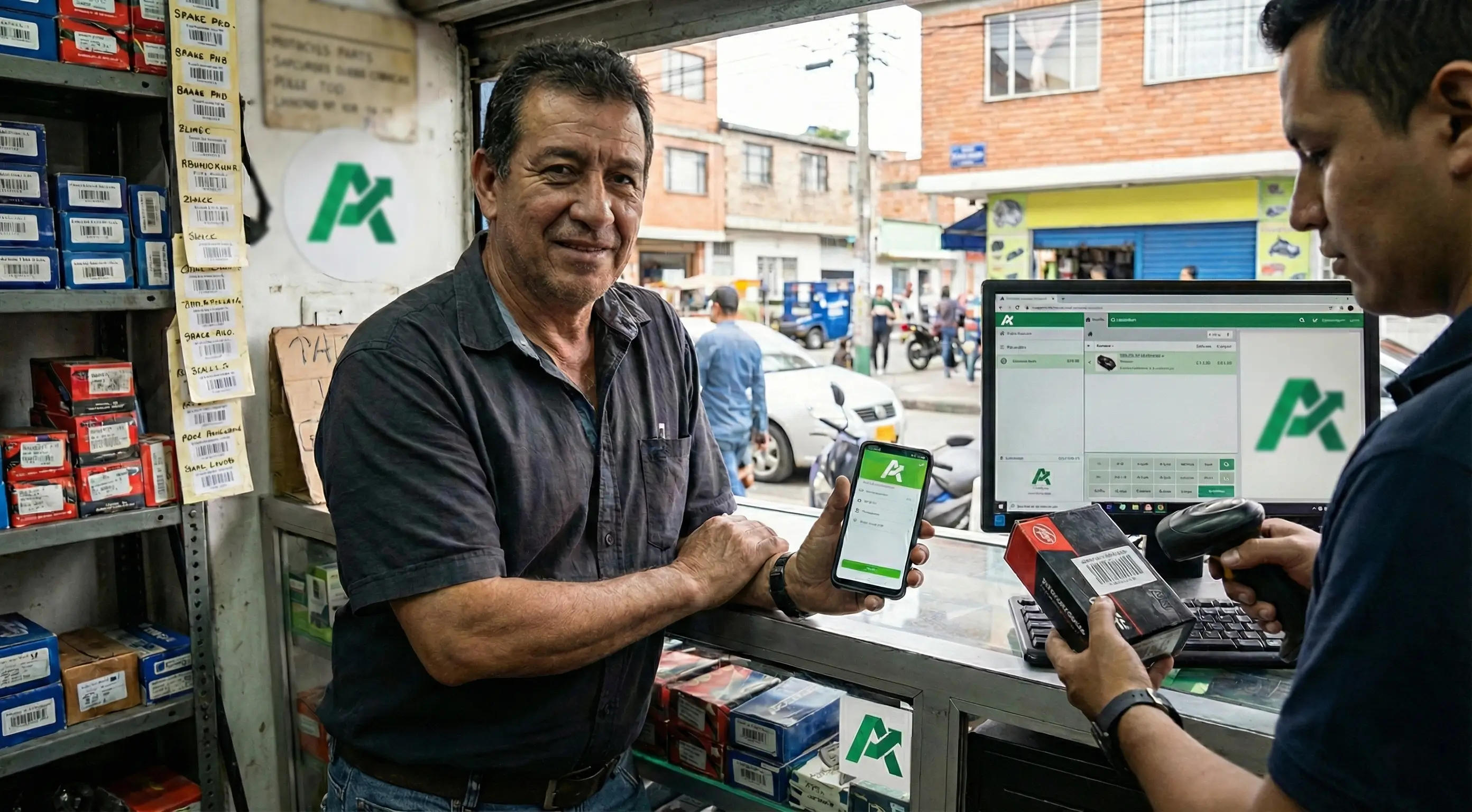
I uploaded a photo of my menu on a Tuesday, and that very afternoon I was taking orders and keeping my numbers clear. I left Excel behind forever.
What a restaurant asks before getting started
What is a POS system and what is it used for in a restaurant?
It is the system with which your restaurant or cafe takes orders and collects payments. With Punto Ágil, order tickets also print automatically in the kitchen, you manage tables, and you close out the register, all from the phone, tablet, or computer you already own.
Can I start with orders and the register only?
Yes. The demo focuses on what you need to operate from day one: menu, tables, orders, kitchen, payments, and register closing. You do not need additional services to try that workflow.
How long does it take for my menu to be ready?
About 5 minutes. You take a photo of your menu with your phone, the system reads your products and builds your digital menu with dishes, prices, and modifiers automatically. You just review and confirm: no typing dish by dish.
Can my customers order from the table using a QR code?
Yes. It is one of the two modes available when you create the demo. If you choose QR mode, each table has its own code: the customer scans it, sees the menu, and sends the order to the kitchen display. Payment is still handled at the register.
Does it work for cafes, bakeries, and bars, or only for restaurants?
It works for any food and beverage business: restaurants, cafes, bakeries, bars, ice cream shops, food trucks, and fast food. If you have a menu with dishes, prices, and modifiers, Punto Ágil will work for you.
Do I need to buy equipment or install anything?
No. Punto Ágil runs in the browser of any phone, tablet, or computer you already have. The kitchen screen is just a web page you open on any tablet, and if you want an order ticket printer, it connects too. None of that is mandatory to start.
Can I have Punto Ágil as an app on my phone, tablet or computer?
Yes, on all three, and there is nothing to download from any app store. On Android, open your point of sale in Chrome, tap the three dots in the browser menu and choose "Install app". On iPhone it has to be Safari: tap the share button, scroll down the list and choose "Add to Home Screen". Careful: iPhone will never offer it on its own, you have to do it by hand. And on a computer with Chrome or Edge, on Windows or Mac, an install icon appears at the end of the address bar. On phones the icon stays on your home screen; on a computer it becomes just another program and opens in its own window, with no tabs or address bar for your cashier to get lost in.
What does Punto Ágil run on and will I be able to learn how to use it?
It runs on Odoo, the management system used by millions of businesses worldwide: a proven and robust standard, not a homemade experiment. That's why there are hundreds of tutorials, videos, and guides to learn how to use it, plus a huge community if you need help. Your data is also yours and remains in standard format, so you never get trapped. And we leave it ready for you in Spanish, with your menu loaded automatically and your system set up.
How much does it cost and do I have to leave a credit card?
You can create your free demo with no credit card and no commitment. Write to us on WhatsApp and we will tell you about the plan that best fits the size of your restaurant or cafe.
Already using Punto Ágil and need to do something specific? See the step-by-step guides
Your menu is already ready.
Only the photo is missing.
Create your free demo and build your system to serve and bill in 5 minutes. No card, no commitment.
Build your system to serve and bill in 5 minutes. No credit card.
Create your free demo